How to customize invoices and credit notes
What is Customisation?
Customisation refers to the process of modifying or tailoring a product, service, or system to meet specific preferences, needs, or requirements. In the context of business, customisation can involve adjusting branding materials, communication channels, or personal details to align with a company's identity or a customer's preferences. Fiscal Harmony allows you to add a Company logo, Bank details as well as change email addresses and phone numbers on invoices and credit.
Steps to Customisation
Step 1
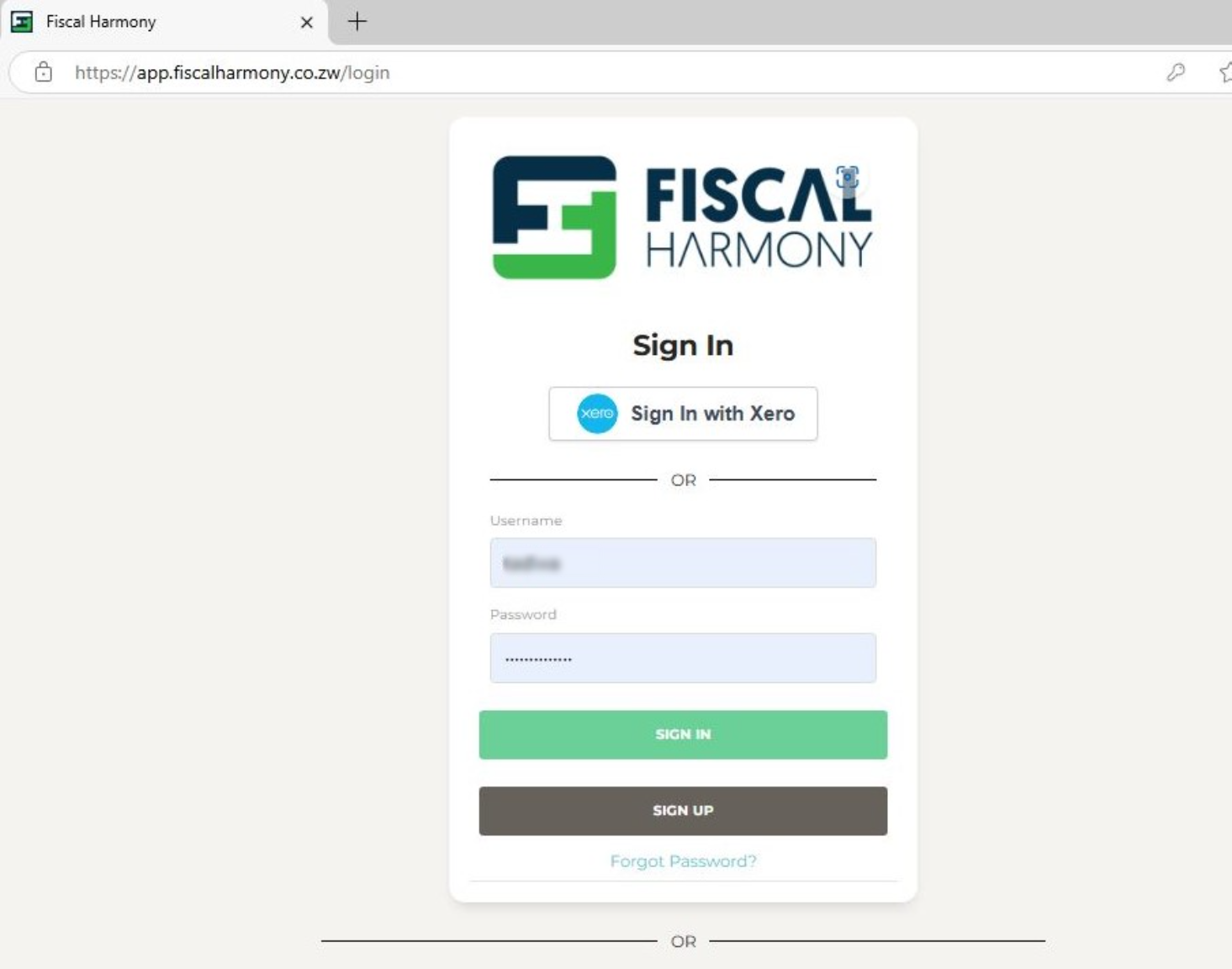
Navigate to the Fiscal Harmony app on https://app.fiscalharmony.co.zw/login and enter your username and password to login.
Step 2
After logging in, from the sidebar (located on the left-hand side of the screen) you can navigate to Settings > Customisation.
Step 3
Click on the button that says "Create customisation" in order to show the form for creating a customisation.
This will show a form where you can add your details for your buyer information, Banking information and any requirements for invoices.
In the USD text box fill in your USD / NOSTRO banking details
In the ZWL text box fill in your ZWG / Local Currency banking details
Step 4
To customise or insert a logo on your invoice:
- Scroll down the page and click "Pick New Logo" in the blue bar.
- Choose a logo in PNG format, ensuring the file size is less than 1MB.
- Click "Open", then Save your customisation.
Why Customisation is Important
Brand Consistency: Customisation ensures that all your materials (logo, email, phone number) reflect your company's branding and professional identity.
Professionalism: Customising communication and banking details helps present a trustworthy, legitimate, and professional image.
Customer Engagement: Personalising communication (like email signatures and messages) can foster stronger relationships with customers.
Related Articles
Fiscalising a Credit Note in Xero
Overview A credit note in Xero is a document that is used to reduce the amount owed on an invoice or bill, essentially acting as a correction or adjustment to a previous transaction. It’s commonly used for scenarios such as returns and issues, ...Creating and Fiscalising Credit Notes in Palladium Accounting
Overview Please follow the following steps to fiscalise credit notes using Palladium accounting. Steps Step 1. Opening Application Running the Fiscal Harmony Plugin Right click on the app and click "Run as administrator" option. Click the upward ...Fiscalising a Credit Note in Sage Online
Overview Sometimes an error is made after an invoice has been created, or a customer may return goods. In this case, you need to create a Credit Note to correct or reduce the customer's balance. Step-by-step process Step 1. Locate the Original ...Creating and Fiscalising Credit Notes in Sage Pastel Express Accounting
Overview Please follow the following steps to fiscalise credit notes using Sage Pastel Express Accounting. Step-by-step process Step 1. Opening the application Running the Fiscal Harmony Plugin Right click on the app and click "Run as administrator" ...Fiscalising a Credit Note in Sage Evolution
Overview Sage 200 Evolution is an Enterprise Resource Planning (ERP) software system designed to help businesses manage various aspects of their operations, including finance, customer relationships, and supplier relationships. It goes beyond ...