System Explanation
What is Fiscalisation?
Fiscalisation refers to the process by which a business electronically records all taxable transactions. In Zimbabwe, businesses are required by law to ensure that every sale is recorded using a ZIMRA-approved fiscal device. With our online solution, fiscalisation is handled digitally, ensuring that all your sales are automatically transmitted to ZIMRA in real time.
Traditional Fiscal Devices vs. Server-to-Server Fiscalisation
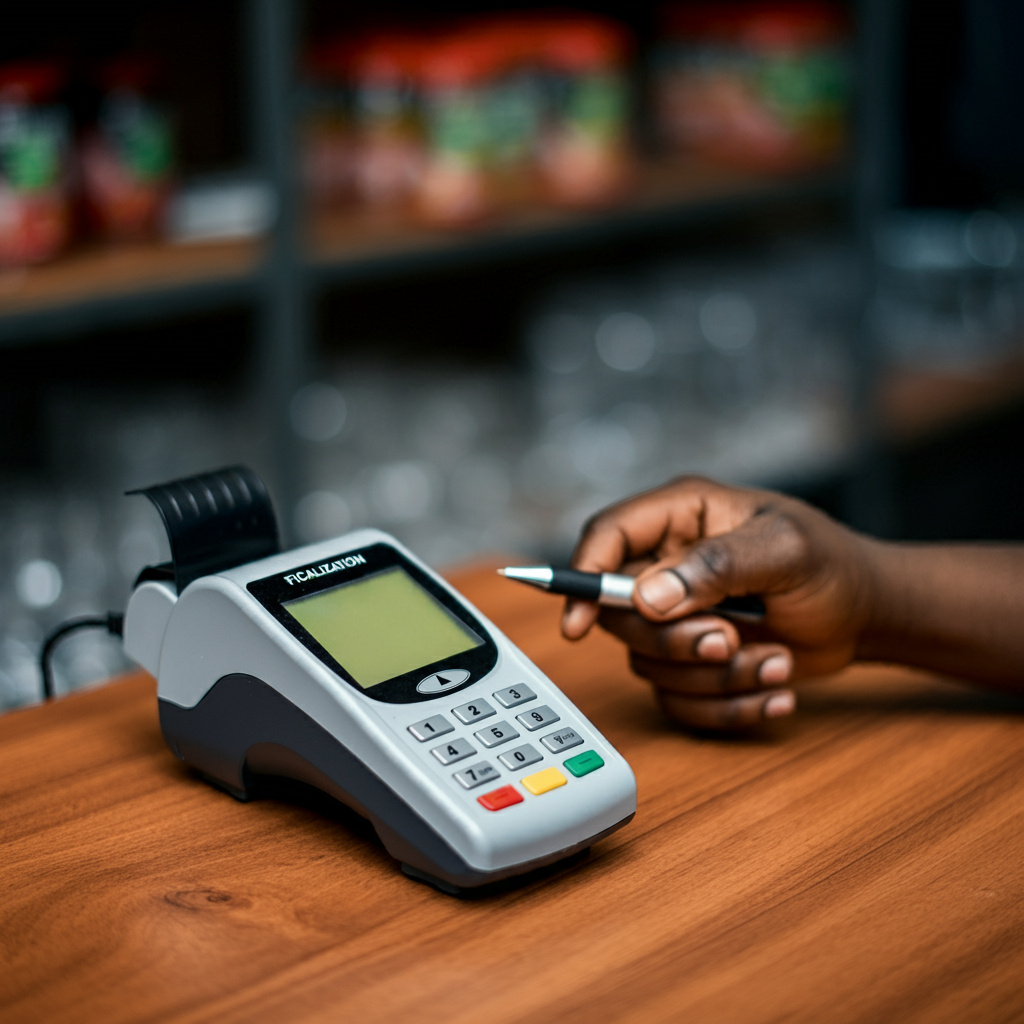
Traditional Fiscal Devices: Physical devices connected to a point-of-sale (POS) system. They are prone to hardware issues, require periodic maintenance, and involve manual record-keeping.
 Online Server-to-Server Fiscalisation: This is a cloud-based solution that ensures data is transmitted automatically to ZIMRA’s servers without the need for physical devices. This method is efficient, eliminates hardware issues, and reduces the cost associated with maintaining physical fiscal devices.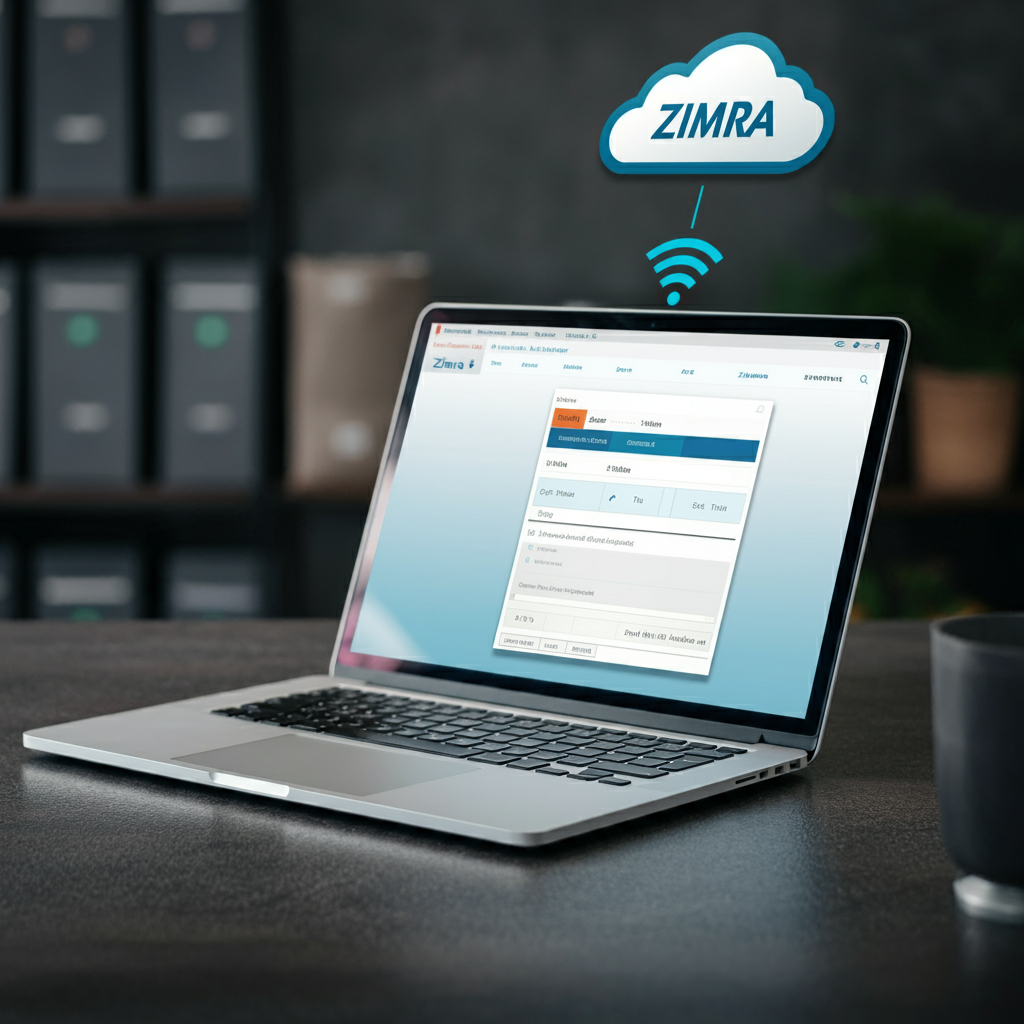
Introduction to our system
Our comprehensive server-to-server integration with the Zimbabwe Revenue Authority (ZIMRA) Fiscal Device Management System (FDMS) is designed to streamline your fiscalisation process. This modern approach eliminates the need for traditional physical fiscal devices, offering an efficient and hassle-free online fiscalisation system. Whether you are using Excel, Xero, Sage, Palladium, or QuickBooks Desktop, our solution seamlessly integrates with your accounting software to ensure your fiscal processes are smooth and compliant with ZIMRA regulations.
What is ZIMRA FDMS?
The Fiscal Device Management System (FDMS) is a platform created by ZIMRA to manage and monitor fiscalisation in Zimbabwe. Fiscalisation refers to the process of electronically recording all taxable transactions in compliance with national laws. Traditionally, this required physical fiscal devices; however, with technological advancements, fiscalisation can now be done online using server-to-server integration.
Key Benefits of Our Online Fiscalisation Solution
- No Physical Fiscal Devices Required: Our solution eliminates the need for expensive and bulky physical devices. Fiscalisation is entirely managed online.
- Seamless Integration with Your System: We provide specialised plugins compatible with popular accounting software and Excel to facilitate real-time communication between your system and ZIMRA FDMS.
- Remote Setup and Support: The entire setup process is managed remotely through AnyDesk or Zoho Assist, ensuring no disruption to your daily operations. Our team is available for remote support and guidance whenever needed
- Time and Cost Efficiency: Our solution reduces the manual work required for fiscalisation and simplifies compliance with ZIMRA’s requirements.
How It Works
1. Fill a Simple Template:
Once you express interest, Signup on our website and fill in a simple form to gather your company’s details, including:
- Company Name
- TIN Number
- VAT Number
- Phone Number
- Accounting Software in Use (see Compatible Software section or see our Integrations page)
- Email Address
2. We Submit to ZIMRA:
After filling in your details and signing up, we handle the submission and verification process with ZIMRA. This step ensures your business is set up and recognised within ZIMRA’s FDMS.
3. Final Setup:
Once ZIMRA approves the verification, we will guide you through the final setup, including:
- Installation of our specialised plugin
- Configuration of your system to communicate with ZIMRA's servers
- Testing to ensure everything works smoothly
 NOTE: All of this setup is done remotely via the internet, so there is no need for a physical visit to your premises unless you prefer it.
Compatible Software
Our solution is compatible with several leading accounting platforms, making it versatile and easy to implement, regardless of your current setup.
- HPOS: Our point-of-sale business management solution with inventory management and retail reporting
- Excel: For businesses managing their finances with spreadsheets
- Xero: Cloud-based accounting software popular among small and medium businesses
- Sage: A leading business management software. Currently supporting:
- Sage One
- Sage Pastel
- Sage Evolution
- Palladium: ERP software used for accounting and business operations
- Manager.IO: Cloud-based accounting software
- QuickBooks: A widely used accounting software for small and medium enterprises
- Meat Matrix: An accounting software in the meat business industry
- Zoho Books: Online accounting software for handling finances easily
- Odoo: Modern ERP software with extensive support for businesses. Currently supporting:
- Odoo 17 to 19
- Odoo Cloud Hosting
- FinCon: Accounting and ERP solution for SMES
- ERPNext: Easy-to-use ERP software that is self-hosted in a single platform
- Sales Intellect: Powerful POS solution for back-office sales management
- Cin7 Core: Powerful inventory management software with support for order management
- 4POS: Retail POS solution with sales reporting
- iVend Retail: Cloud-based retail management software for medium-sized
- Shopify: E-commerce platform for making online stores
- SAP Business One: ERP solution for medium-sized businesses equipped with CR
- GAAP Unity: Centralised cloud-based business management software
For more information, you may view our Integrations page.
Pricing Plans
We offer two flexible pricing options to suit your business needs.
- Standard Plan: Cloud-based solution with error reporting, direct accounting, email support and allows up to 700 Invoices per month. This comes at:
- $16.00 per month or
- $172.50 per year
- Enterprise Plan: All the Standard features along with 1 year of data retention, unlimited invoices per month and unlimited POS points per branch, along with API access for developers. This comes at:
- $28.00 per month or
- $308.00 per year
Both pricing options include:
- Remote setup and installation at no additional cost!
- Installation of plugins based on the integration of your choice
- Unlimited remote support for fiscalisation queries and troubleshooting
- Optional addons to enhance your fiscalisation:
- Document Designer for document customisation
- Additional years of Data Retention
- Backdating to fiscalise older invoices
- Pastel Prospect year-end migration (for those with Sage Pastel integrations)
More pricing information can be seen on our Pricing page.
NOTE: All prices are VAT Inclusive
Remote Setup and Installation Process
Remote Access: We perform the entire setup remotely using AnyDesk or Zoho Assist, a trusted remote desktop tool. This allows our technicians to install the plugin and configure your system without the need for physical visits, making the process faster and more efficient.
Optional On-Site Visit: If preferred, you are welcome to visit our offices at 40 Sandringham Drive, Alexandra Park, Harare, Zimbabwe.
For further assistance, reach out to our support team:
Call Centre: +263 8677 010 305
Call Centre: +263 8677 010 305
WhatsApp: +263 783 323 154
Related Articles
Sage Pastel and and Fiscal Harmony Integration Guide
Overview Step 1. Downloading the Plugin Click the link below to open the drive where you can download the pastel fiscalisation plugin: https://drive.google.com/drive/folders/1TYNRcRL2ASJ3XC6rIcT73ufasDaCZlCJ Download the latest version of the plugin ...Sage Evolution and and Fiscal Harmony Integration Guide
Overview Step 1. Downloading the Plugin Click the link below to open the drive where you can download the evolution fiscalisation plugin: https://drive.google.com/drive/folders/1TYNRcRL2ASJ3XC6rIcT73ufasDaCZlCJ Download the latest version of the ...Manager.IO and and Fiscal Harmony Integration Guide
Overview This guide outlines the steps necessary to set up fiscalization using Manager IO and integrate it with Fiscal Harmony APIs. The process involves obtaining API credentials, configuring fields in Manager IO, and setting up the integration to ...ERP Next and Fiscal Harmony Integration Guide
Overview This guide provides a step-by-step process for integrating ERP Next with the Fiscal Harmony plugin, facilitating the fiscalization of invoices and credit notes for compliance with the Zimbabwe Revenue Authority (ZIMRA). Prerequisites Setting ...Palladium Accounting and Fiscal harmony Integration Guide
Overview Step 1. Downloading the Plugins (Fiscalisation Software's) Click the link below to open the drive where you can download the Palladium Fiscal Harmony Plugin on the link here. Download the latest version of the plugin on the drive. Step 2. ...